Connect Power Automate to Excel Online and update rows automatically
Connect Power Automate to Excel Online by preparing a table, choosing a unique key, finding the right row, and updating selected columns automatically.
 Dave
Dave Connect Power Automate to Excel Online by preparing a table, choosing a unique key, finding the right row, and updating selected columns automatically.
Learn four proven methods to reopen accidentally closed tabs in Chrome using keyboard shortcuts, tab search, browsing history, and session restore settings.
Fix invalid Power Automate connections by finding the failed connector, repairing authentication, replacing stale owners, and testing every branch.
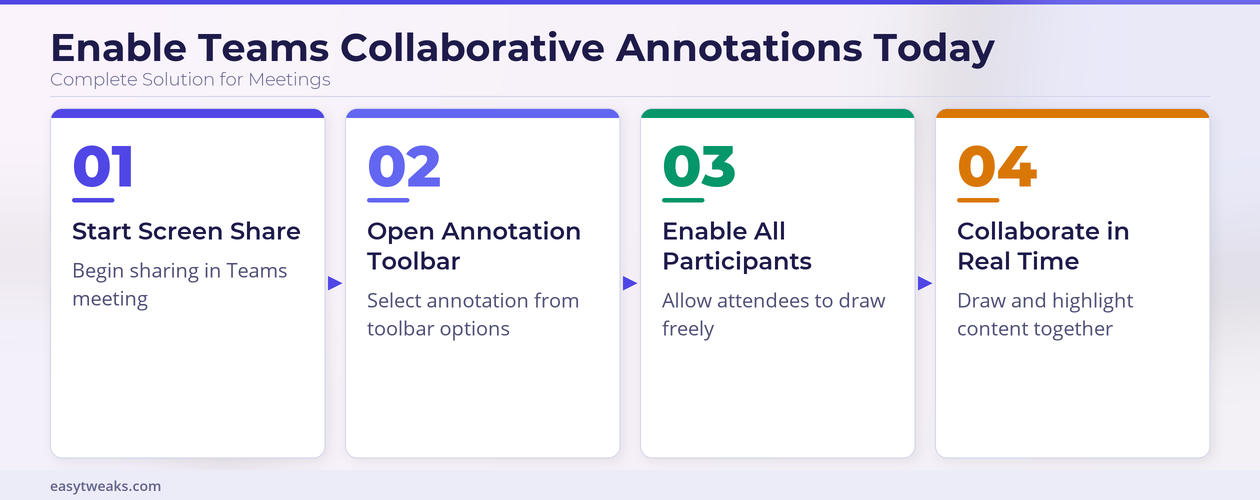
Discover how to enable collaborative annotations for all participants in a Teams meeting so everyone can draw and highlight shared content in real time.
Create a Power Automate approval workflow that captures a request, waits for an approval, branches on the response, and notifies Teams and email users.
Get started with this AirPods Not Showing in Bluetooth Settings Fix — reset pairing, update drivers, and get your AirPods connected on Windows 11 or Mac.
Automatically save Outlook email attachments to SharePoint by filtering messages, looping through files, creating documents, and preventing duplicate names.
Last updated: April 2026 | Tested on: Microsoft Teams (latest), Windows 11 Microsoft Teams screenshots refusing to appear can derail meetings and slow collaboration. Missing image previews often stem from browser permissions, cache conflicts, or display settings that need adjustment. Most Teams image display problems resolve through systematic troubleshooting of browser settings, cache clearing, and … Read more
Send Power Automate email attachments correctly by retrieving file content, mapping name and content, testing delivery, and avoiding large-file mistakes.
Set up a daily scheduled Power Automate flow with the right recurrence, time zone, test run, output check, and owner alert path.