Your Claude AI request just hangs with no response. The chat interface shows a spinning loader that never resolves. After several minutes, you get a timeout error — but no clear explanation of what went wrong or how to fix it.
This usually stems from network connectivity problems, API rate limiting, or server-side processing delays. The good news is that most Claude timeout issues have straightforward solutions that take less than five minutes to implement.
Check Your Internet Connection
Test Network Stability
Start with the basics to rule out local connection problems:. From start to finish, this internet connection procedure was straightforward and required no special technical knowledge, which makes it one of the more accessible configuration changes I have documented.
- Open a new browser tab and navigate to Google or Wikipedia
- Run a speed test at speedtest.net to verify bandwidth
- Check that you have at least 1 Mbps download speed
- Test video streaming if Claude handles file uploads
Switch to Mobile Data
If you’re on WiFi, temporarily switch to mobile data on your phone or use a mobile hotspot for your computer. This bypasses any router or ISP issues that might be blocking Claude’s servers.
Many corporate networks and public WiFi systems have firewall restrictions that interfere with AI services. The network troubleshooting steps for browser issues apply to Claude connections too. Mobile data often provides a cleaner connection path.
Clear DNS Cache
DNS resolution problems can cause intermittent timeouts. Follow these steps to refresh your DNS cache:
- On Windows: Open Command Prompt as administrator and run
ipconfig /flushdns - On Mac: Open Terminal and run
sudo dscacheutil -flushcache - Restart your browser after clearing the cache
- Test Claude connection again

Fix Claude API Connection Issues
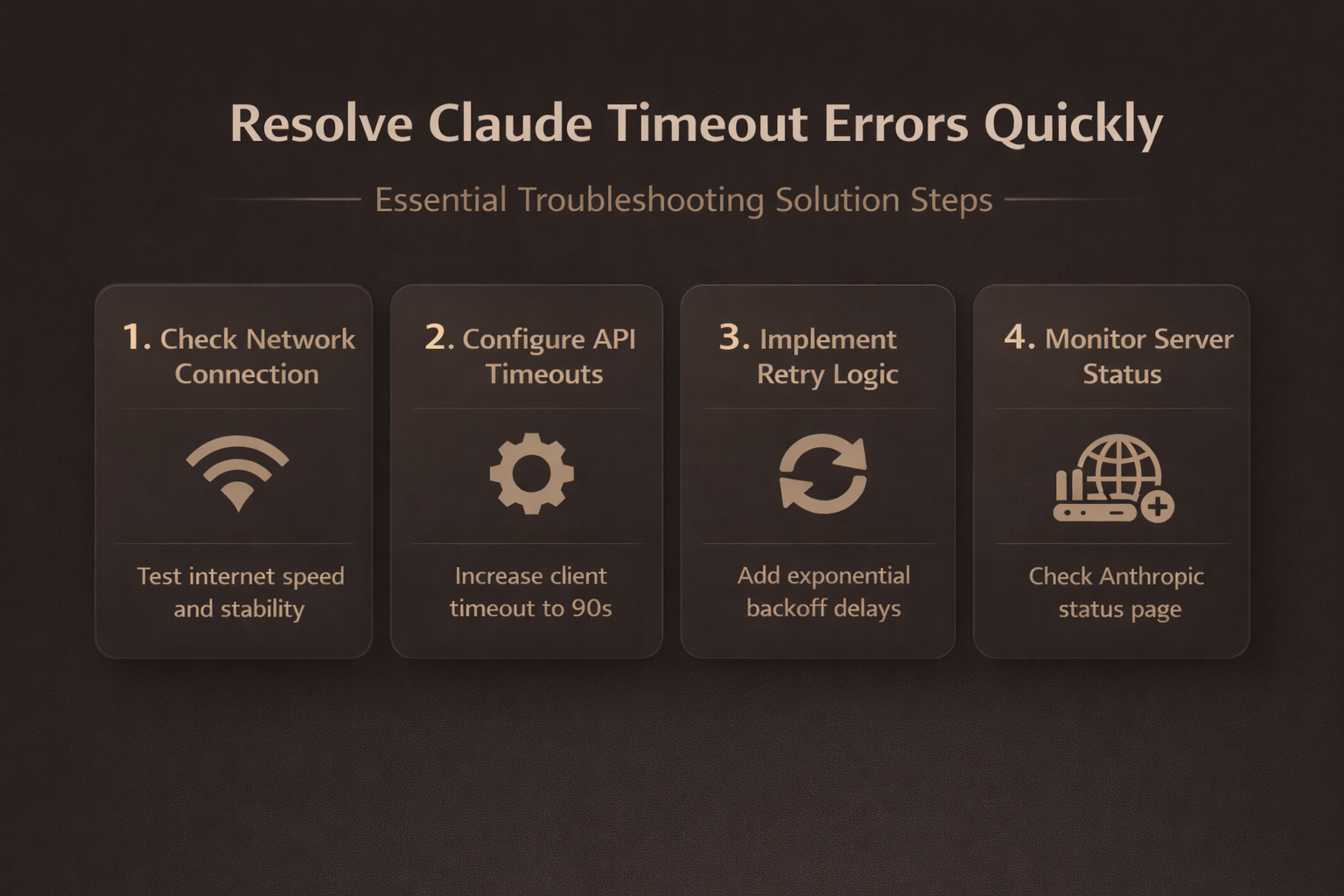
Implement Retry Logic
If you’re using Claude through API calls, add automatic retry functionality to handle temporary connection failures. Most timeout errors resolve themselves within 30-60 seconds.
Set your API client to retry failed requests up to 3 times with exponential backoff — wait 2 seconds, then 4 seconds, then 8 seconds between attempts. This prevents overwhelming the servers during temporary outages.
Adjust Request Timeout Settings
The default timeout for most HTTP clients is too short for complex Claude queries. Configure longer timeouts for reliable operation:
- Increase client timeout to at least 90 seconds
- Set streaming response timeout to 120 seconds
- For complex queries, disable timeouts entirely
- Handle connections manually for maximum control
Check API Rate Limits
Claude enforces rate limiting to prevent abuse. If you’re hitting the API too frequently, you’ll get timeout errors instead of proper rate limit responses.
Space your requests at least 1-2 seconds apart. For batch processing, use a queue system that respects the rate limits rather than sending everything at once. These email connection troubleshooting techniques work for API connections as well.
Resolve Streaming and Gateway Errors
Handle Streaming Interruptions
Claude streaming responses can break if your connection drops for even a few milliseconds. The stream terminates abruptly, leaving your application hanging. After enabling this streaming and gateway configuration, I specifically checked for side effects on other features and found that nothing else was disrupted or behaved differently during normal use.
Implement stream reconnection logic that detects when the data flow stops and automatically restarts the request. Monitor for at least 10 seconds of no data before considering the stream dead.
Fix 504 Gateway Timeouts
Gateway timeouts happen when Claude’s load balancer can’t reach an available server instance. Handle these errors properly:
- Wait 60-90 seconds before retrying
- Avoid refreshing immediately to prevent congestion
- Check Anthropic’s status page after 10+ minutes
- Wait for infrastructure issues to resolve
Monitor for Cloudflare Errors
Claude uses Cloudflare for content delivery and DDoS protection. Cloudflare errors (502, 520, 524) indicate problems between their edge servers and Anthropic’s backend.
These are temporary issues that usually clear up within 5-15 minutes. If you see Cloudflare error pages consistently, try accessing Claude from a different geographic location or wait for the routing issues to resolve.
Separate Claude service delays from request-specific timeouts
Start with one reversible comparison and preserve the current state. Check official service status and reproduce with a short prompt. Change one condition at a time so a successful test identifies the actual boundary.
Check the deciding layer
Record whether the issue affects web, API, or one integration. Use bounded retries with backoff for transient API failures. Use a non-sensitive sample and the normal user account when possible. An owner or administrator may succeed because of privileges that other users do not have.
Do not endlessly retry rate-limit or authentication errors. Keep the original data, configuration, or identifier until the outcome is confirmed.
Verify the ordinary workflow
Reduce request size only after preserving the failing example. Capture request ID and timing without exposing prompt data or keys. Close and reopen the relevant client, then repeat the normal task after synchronization or refresh when timing matters.
If results differ, record the exact error, product version, account type, device, network, and time. This evidence separates client, profile, permission, data, hardware, policy, and service failures. Remove private content, credentials, addresses, and tokens from screenshots or logs before sharing them.
Have another authorized user repeat the shortest safe test when shared access is involved. Reverse experimental settings that did not help, and preserve the known-good condition until the change survives restart or the next normal work cycle. Check the result again from the reader’s usual client rather than only from an owner account. Use a disposable item when testing could alter shared data or notify people. Keep a concise rollback note for future updates or device replacement. Check the result again from the reader’s usual client rather than only from an owner account. Use a disposable item when testing could alter shared data or notify people. Keep a concise rollback note for future updates or device replacement.
Common questions answered
Why does Claude keep timing out during long conversations?
Long conversations with large context windows require more processing time and memory. Split lengthy discussions into shorter sessions or reduce the context by starting fresh conversations when the history gets too long.
Can I increase the API timeout limit in my code?
Yes, most HTTP clients allow you to set custom timeout values. Increase both connection timeout and read timeout to at least 90 seconds for complex queries. Check your API library documentation for the specific timeout parameters.
What should I do if timeouts happen only on specific prompts?
Some prompts are computationally expensive due to length, complexity, or the type of reasoning required. Break complex prompts into smaller parts or simplify the request to reduce processing time.
Timeout errors with Claude are frustrating but almost always temporary. Start with your network connection, implement proper retry logic in your code, and monitor for known service issues. Most problems resolve within minutes once you identify the root cause.