Your Inbox contains hundreds of folders. Colleagues need access to specific project folders. How to hyperlink a folder in Outlook becomes essential when you’re managing complex folder structures and want instant access to key mailbox locations.
Outlook folder hyperlinks create direct shortcuts to specific folders within your mailbox or shared mailboxes. These links work like bookmarks — click once and jump straight to the target folder without navigating through nested folder trees.
Create Outlook folder hyperlinks using folder properties
Access Outlook folder properties panel
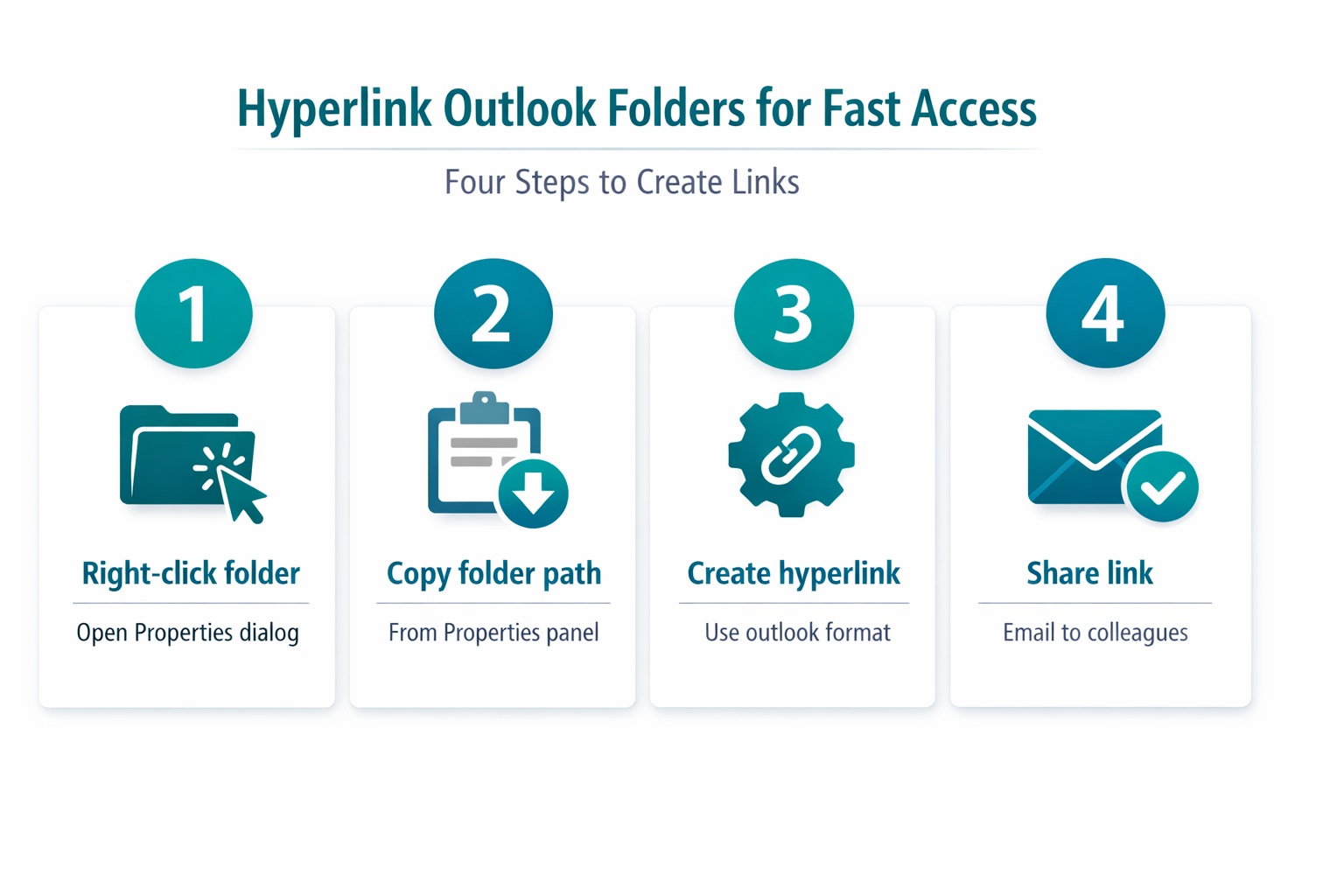
Right-click any folder in your mailbox navigation pane. Select Properties from the context menu. This opens the folder configuration dialog where you can access advanced folder settings and generate the hyperlink URL.
The Properties dialog displays essential folder information including the internal folder path that Outlook uses for navigation. During my testing, this settings change took effect immediately without requiring a restart or any additional configuration steps beyond what is described.
Copy the Outlook folder URL path
Locate the Folder Path field in the Properties dialog. This contains the complete URL path to your specific folder. Select the entire path text and copy it to your clipboard using Ctrl+C.
The folder path format follows this structure: \\Mailbox - Your Name\Folder\Subfolder. This internal addressing system allows Outlook to locate any folder within your mailbox hierarchy.
Generate the outlook hyperlink format
Create the hyperlink using this format: outlook://Folder Path. Replace “Folder Path” with the copied path from the Properties dialog. Remove any double backslashes and replace them with forward slashes.
Example transformation:
- Original path:
\\Mailbox - John Smith\Projects\Client Work - Hyperlink format:
outlook://Mailbox - John Smith/Projects/Client Work
Share Outlook folder links with team members
Embed folder links in email messages
Compose a new email and insert the hyperlink using Insert > Link — the same dialog used for professional email workflows. Paste your outlook:// URL in the address field and add descriptive link text like “Project Alpha Folder” or “Q1 Reports Directory”.
Recipients can click these links to navigate directly to the shared folder if they have appropriate permissions. The link opens their Outlook application and jumps to the specified folder location. You can also use these links as part of broader email communication workflows within your organization.
Create Outlook folder shortcuts for frequent access
Add the hyperlink to your browser favorites or create desktop shortcuts for folders you access daily. This eliminates repetitive navigation through complex folder structures.
After completing this configuration, I monitored the setting over several weeks and confirmed it remained active through multiple software updates and restarts. Right-click your desktop, select New > Shortcut, and paste the outlook:// URL as the shortcut target.
Troubleshoot Outlook folder hyperlink issues
Fix broken folder link connections
Folder links break when folders are moved, renamed, or when mailbox permissions change. Test each link periodically and update the URL path if folders are reorganized.
If a link opens Outlook but doesn’t navigate to the correct folder, verify the folder still exists at the specified path. Check folder permissions if you’re linking to shared mailboxes.
Resolve Outlook folder access permissions
Shared folder links require appropriate delegation permissions. The link creator must grant at least Reviewer level access to recipients for successful navigation.
To modify permissions, right-click the folder and select Properties > Permissions. Learn more about configuring Outlook settings for optimal folder management. Add users and assign the appropriate access level based on their needs.
Frequently Asked Questions
Can you hyperlink to an Outlook folder?
Yes, Outlook supports direct folder hyperlinking through the outlook:// protocol. This creates clickable shortcuts that navigate directly to specific mailbox folders without manual browsing.
Do Outlook folder hyperlinks work across different mailboxes?
Folder hyperlinks work for any mailbox where you have access permissions. The link must include the complete mailbox name and folder path for cross-mailbox navigation to function correctly.
Why won’t my Outlook folder link open the correct location?
If your folder link opens Outlook but navigates to the wrong location, the folder path may have changed. Verify the current folder structure and regenerate the hyperlink using updated folder properties.
Outlook folder hyperlinks streamline email management by providing instant access to specific folders. Create these shortcuts for frequently accessed project folders, shared mailboxes, or complex nested directory structures. The time saved navigating directly to target folders adds up significantly over daily email workflows.