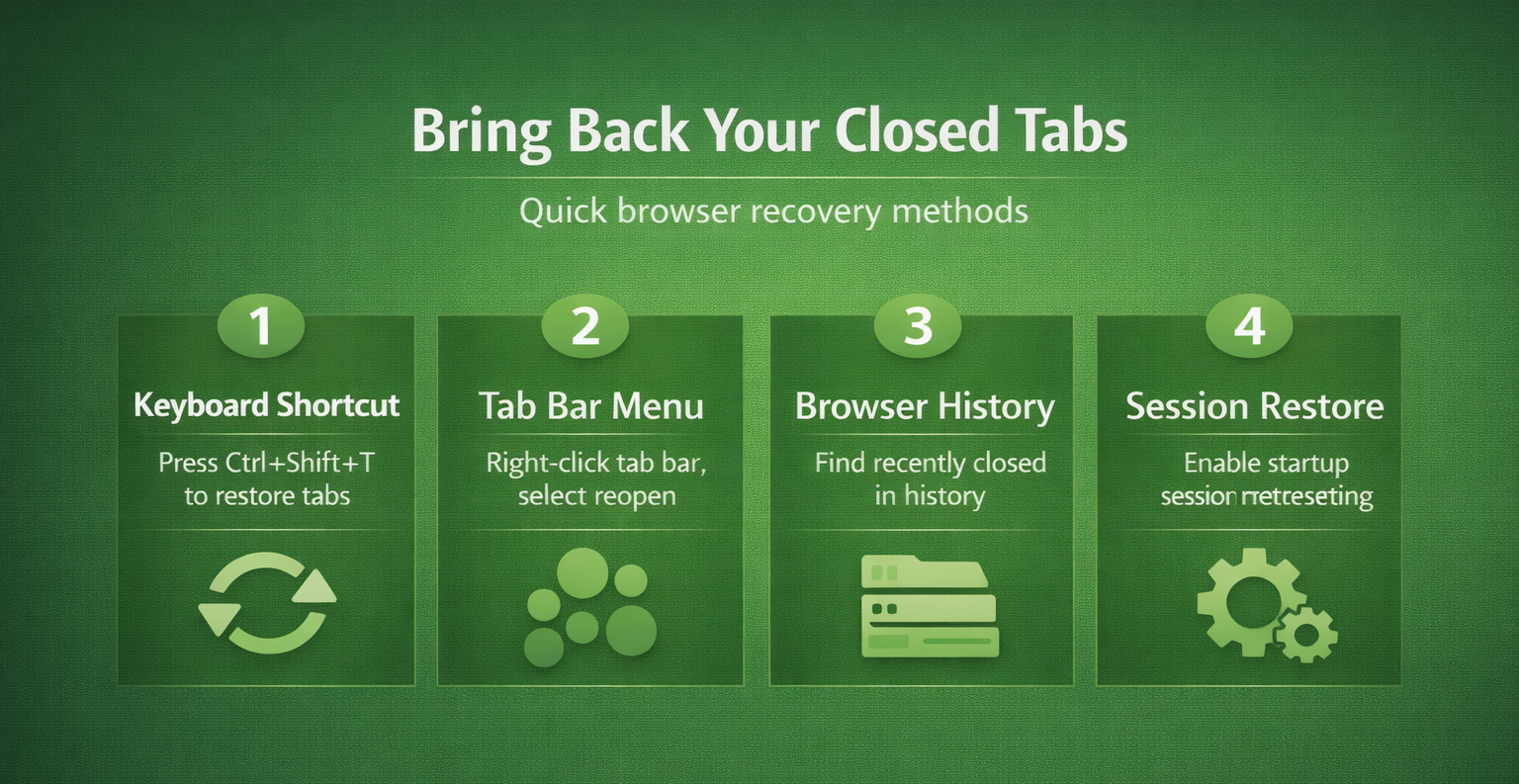
To reopen a closed tab in Chrome or Microsoft Edge on Windows, press Ctrl+Shift+T. Repeat the shortcut to work backward through recently closed tabs or windows. On a Mac, use Command+Shift+T. Start with recovery before clearing history, resetting the browser, or creating a new profile.
Reopen the last closed tab first
- Activate the browser where the tab was closed.
- Confirm that you are in the same browser profile as before.
- Press Ctrl+Shift+T on Windows, or Command+Shift+T on a Mac.
- Repeat if the first restored item is not the one you need.
- Check the reopened address and save any recovered work that still needs saving.
Google documents the shortcut in its Chrome keyboard reference; Microsoft lists it in the Edge shortcut reference. This procedure concerns those browsers, rather than promising identical behavior in every browser.
Find the page in browser history
If the shortcut does not restore the page, open History. On Windows, Ctrl+H opens it in Chrome and Edge. Look for a recently closed item or search for a recognizable part of the website’s name or address.
- Open the browser’s History view without deleting anything.
- Search for the site or inspect entries from the relevant day.
- Open the matching page in a new tab.
- Compare it with the page you intended to recover.
History can help you return to an address. It does not guarantee restoration of unsent text, an expired sign-in, or an unfinished web-app operation. Recheck the application’s own saved drafts or recovery features separately.
If a pinned tab is the specific problem, use the pinned-tab recovery checks after confirming the correct Edge profile. A different profile can have a different set of pins and history.
Recover a window after a restart
Open the same browser and profile, then try the reopening shortcut. Check History for the closed window if that option is available. Avoid repeatedly closing and reopening windows while you are trying to identify the missing session.
If Edge still shows an incomplete session, use the session-specific checks. Do not clear the cache or browser history as a first recovery step; that does not recreate the missing tab list.
Set up Chrome for future restarts
In Chrome, open Settings > On startup and select Continue where you left off. Google’s startup instructions describe this setting. Test it later with a few unimportant pages after recovering the tabs you need.
Changing this preference now is not a guarantee that an older missing session can be reconstructed. Treat session recovery and future startup behavior as separate tasks.
Check the limits before trying profile-file repairs
A normal browsing history does not include Incognito pages. Google also excludes deleted history from its history listing. If the page was never recorded or its session information is unavailable, the browser may not be able to restore it.
For a page you cannot find, check an existing bookmark, the original message containing the link, or the web application’s saved history. Those are alternative ways to locate the address, not recovery of unsaved form data.
If an expected bookmark is also absent, investigate the favorites view separately. Avoid renaming or replacing browser profile files without a backup and a specific recovery procedure.
Questions about restoring closed browser tabs
Can the shortcut reopen a whole window?
It can restore a recently closed window when that session remains available. Check the result before repeating the shortcut, because the next action may reopen another closed item.
Will my unfinished form return?
Do not rely on it. Reopening an address and restoring an application’s unsaved state are different outcomes. Check whether the site offers a saved draft before re-entering important material.
How can I avoid losing important pages again?
Bookmark durable reference pages and save work in the application that owns it. Keep a short named collection of essential URLs rather than using a large unsaved tab session as the only record.